Eliminate manual tasks with smart automation
Create workflows that automatically send emails, add notes, comments, and tags to candidate applications. Save hours of repetitive work every week.
Start for free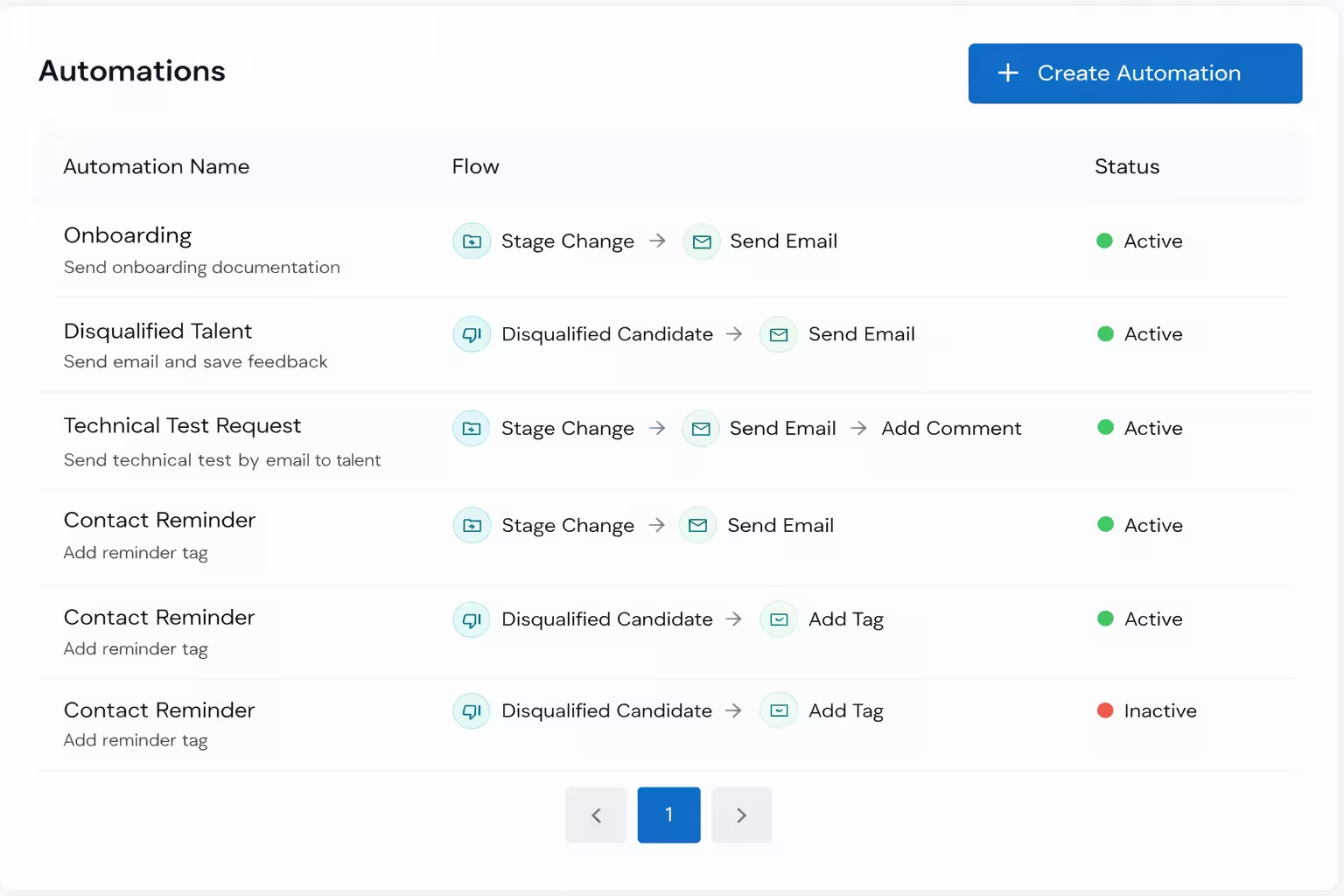
Eliminate manual tasks and connect with talent
Automation removes repetitive, manual work from your hiring process so you can focus on what truly matters: connecting with candidates and building relationships. Let the system handle routine emails, notes, tags, and comments while you invest your time in meaningful conversations.
Flexible workflows
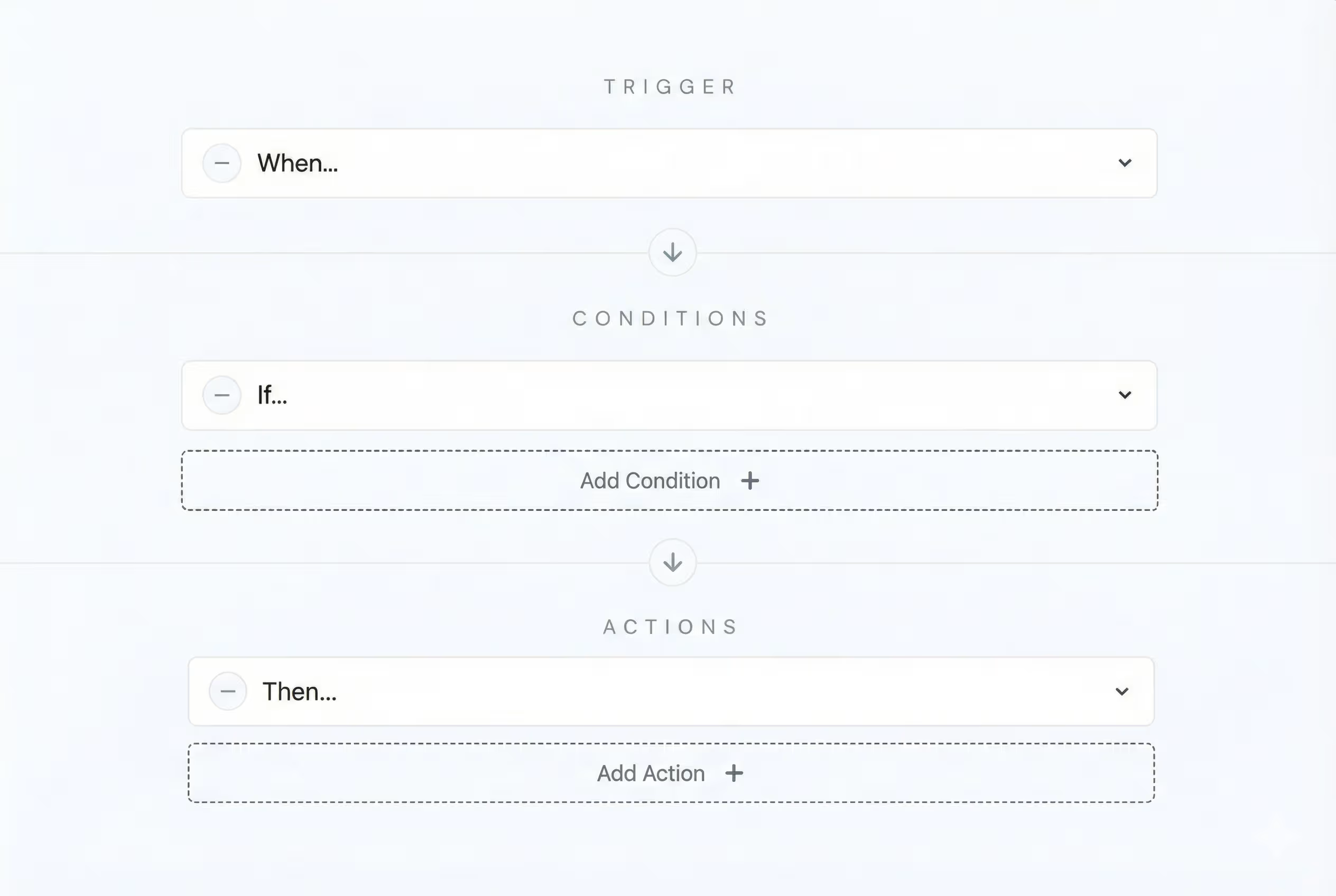
Build automation flows your way
Create custom workflows combining triggers, conditions, and actions. Design automation that fits your exact hiring process—no limitations, just the logic you need.
Multiple options
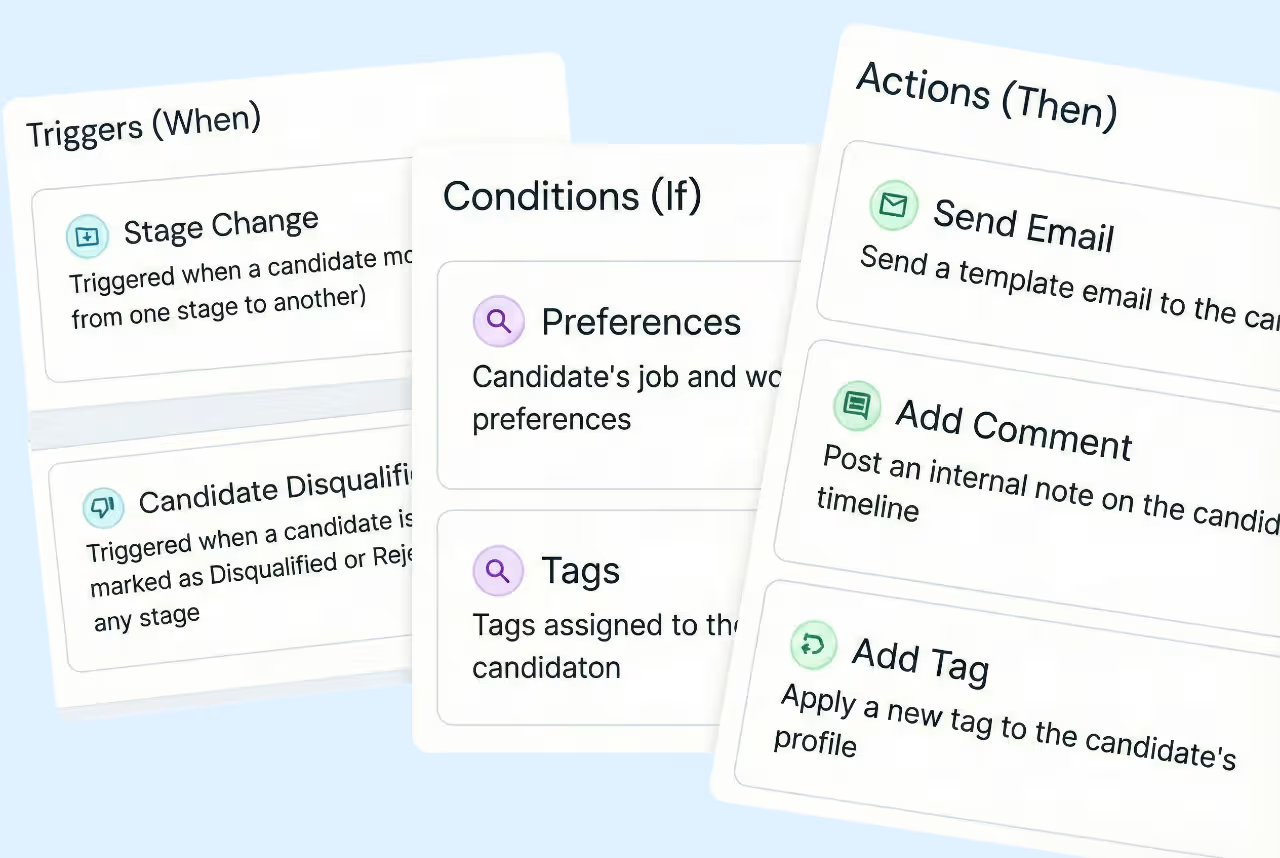
Choose from dozens of automation possibilities
Pick from a wide range of triggers, conditions, and actions to automate exactly what you need. Send emails, add tags, create notes, update stages, and more—all configurable to your workflow.
Activity tracking
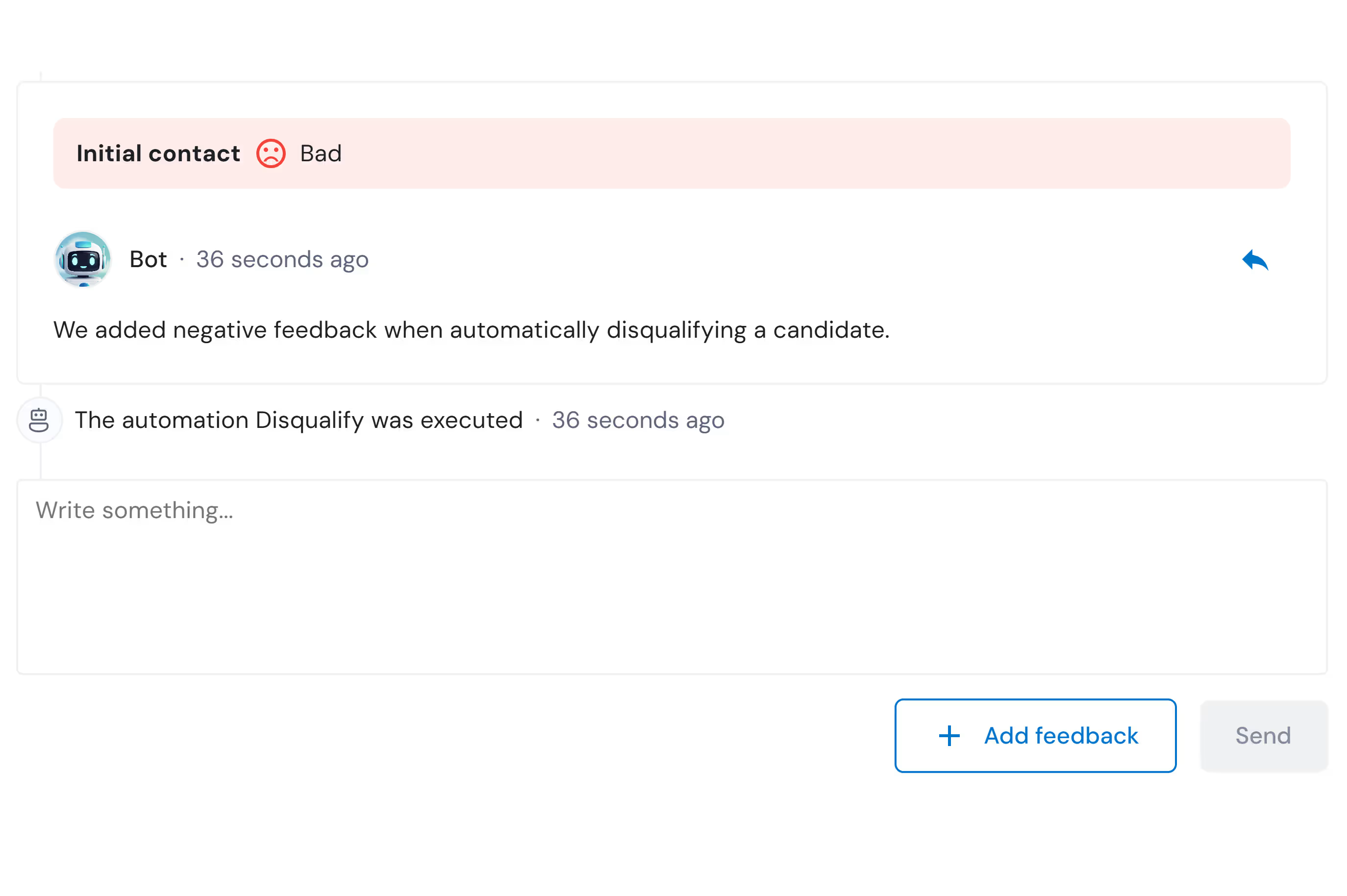
See every automation in the candidate timeline
When an automation executes, it's logged in the candidate's activity feed. Track what emails were sent, what tags were added, or what notes were created—everything is transparent and auditable.
Discover more features
ATS
Manage your entire hiring process from one place with our visual pipeline and team collaboration tools.
Notes & Ratings
Add observations and share comments with your hiring team on each profile to collaborate effectively.
Screening Questions
Filter candidates from the very first application with custom qualifying questions that automatically reject those who don't meet basic requirements.


Frequently asked questions
What actions can I automate?
You can automate sending emails to candidates, adding internal notes, tagging applications, and leaving comments on candidate profiles. Each automation can perform multiple actions at once.
Can I create multiple automations for the same job?
Yes, you can create as many automation workflows as you need. Each one works independently with its own triggers, conditions, and actions.
What happens if a candidate meets multiple automation conditions?
All matching automations will execute. For example, if a candidate triggers two different workflows, both sets of actions will run.
Can I pause or disable an automation?
Yes, you can enable or disable any automation at any time. Disabled automations won't trigger until you activate them again.